Drag & Drop
Simply drag & drop HDRI files directly into your viewport, and they will be automatically configured as world setups.
Ground Projection
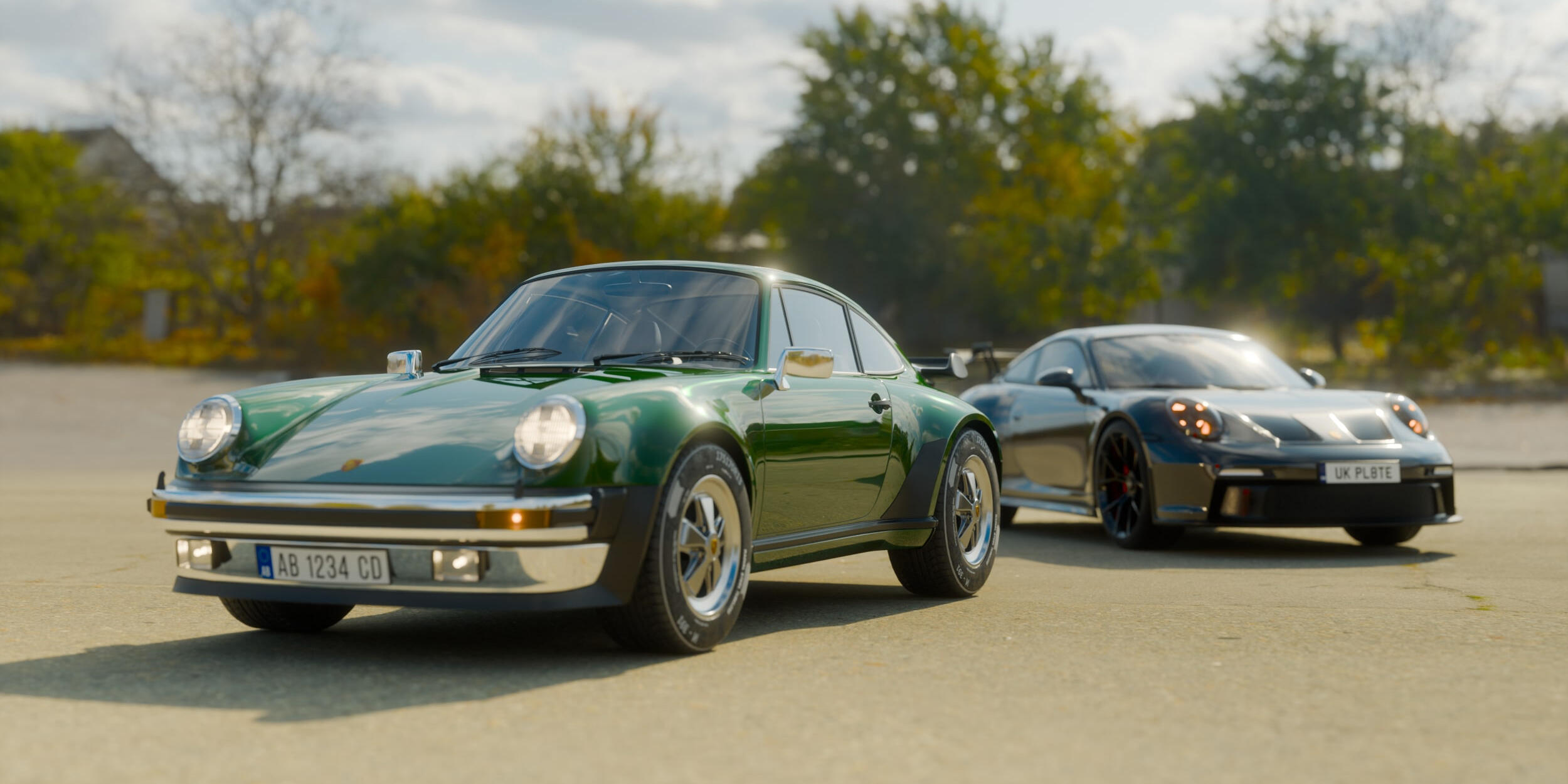
A simple toggle projects the HDRI ground onto a sphere model - which allows you to place your models inside the HDRI itself and get the most accurate shadows and reflections.
Turn HDRI's into Worlds
Every HDRI used when this addon is installed is added to your library. This allows you to build your own HDRI collection.
Perfect for anything
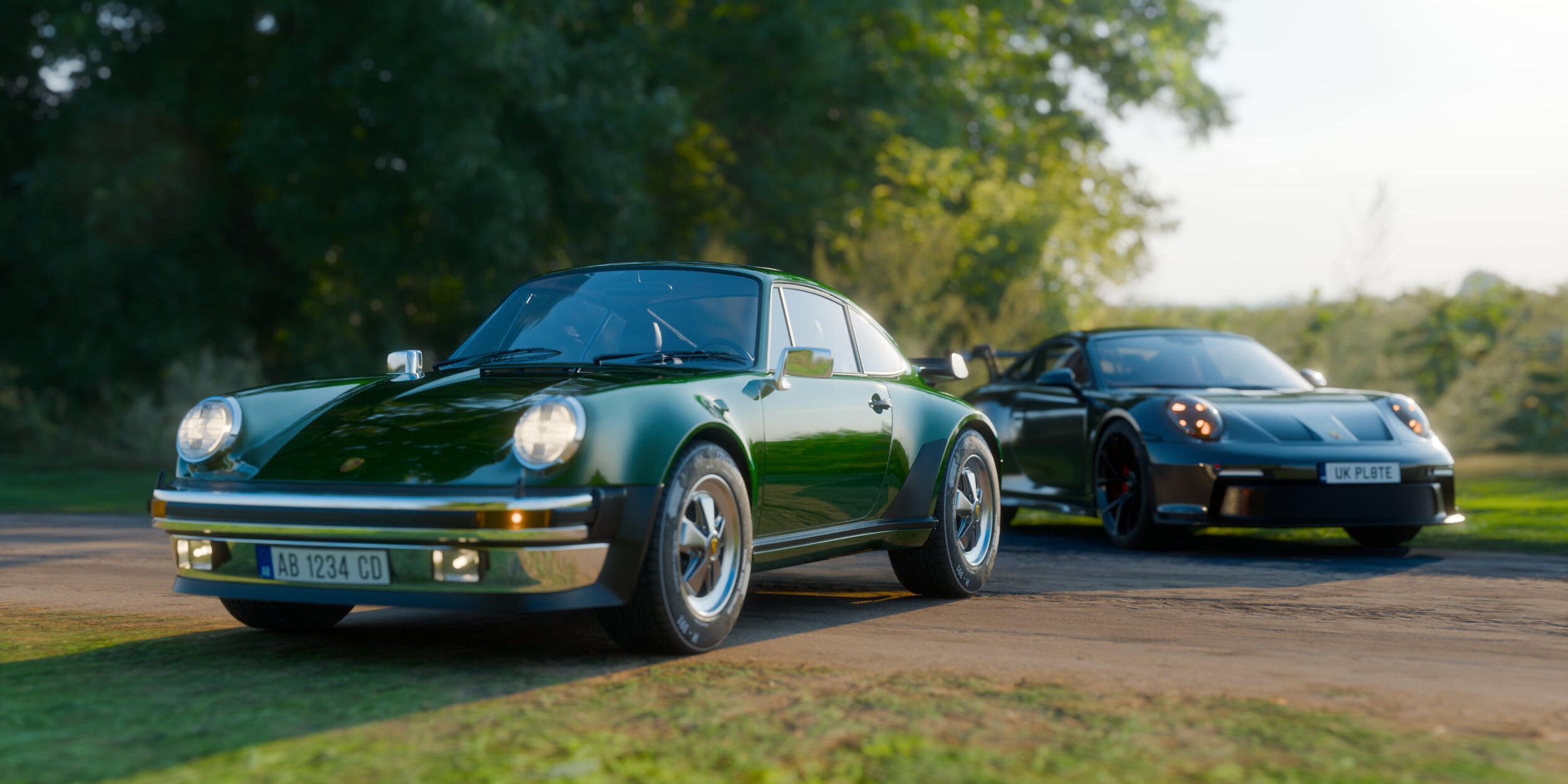
1 3D Model + 1 HDRI file = Is all you need to get great looking results
Accurate Shadows & Reflections
Optional ground projection mode allows you to get more realistic reflections in your renders, with full control over the mapping parameters.
Rotation & Strength Control
In the UI you can easily rotate your HDRIs with simple slider controls to perfect the lighting in your scene. Fine-tune the intensity of your HDRI lighting with intuitive strength controls.


FAQ
What HDRI formats are supported?
The addon supports all standard HDRI formats including .hdr, .exr, and .hdri files. These are the most common formats used for high dynamic range environment maps.
OS Support?
Windows & MacOS, Linux wasn't tested.
Does it work with Cycles and Eevee?
Yes, it works with both Cycles and Eevee.
Can I use my existing HDRI collection?
Absolutely! You can easily import your entire existing HDRI collection into the addon's library. Simply use the "Add HDRI Folder" feature to import a whole directory at once, or add files individually.
How many HDRIs are included with the add-on?
None. This is a utility that makes working with HDRIs more seamless, not an HDRI pack!